Make it fit.
Every time.
Pick where your video or photo is going — email, Discord, a job portal, or any size you choose. Compressor hits the limit in MB, right on your phone, without touching the original.
Free to compress, with no size limit · No account · Your files stay on your phone
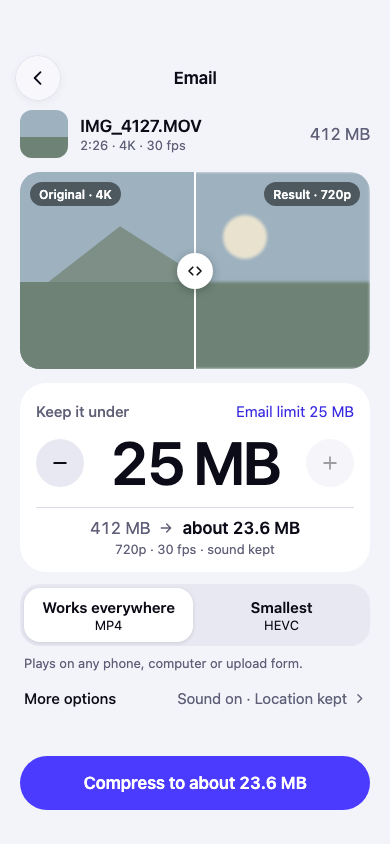
Destination first
Start with where it’s going.
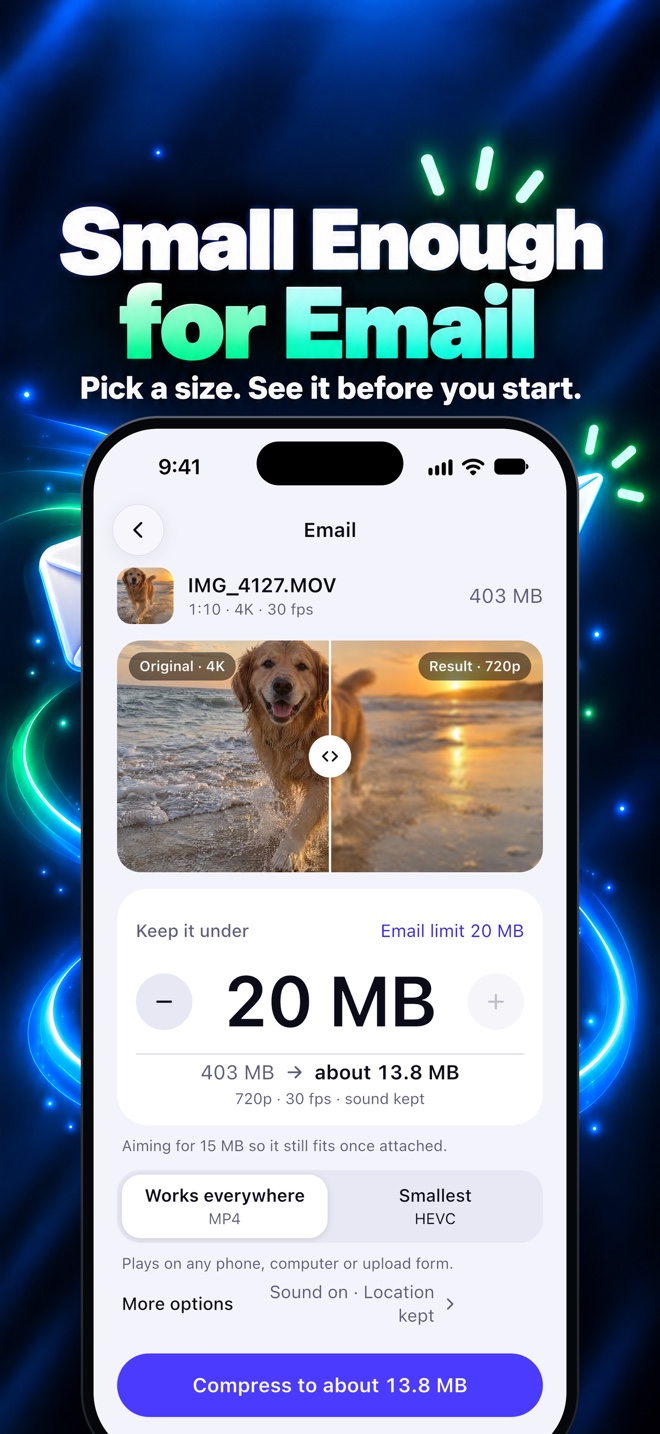
A quality slider cannot tell you whether a file will send. A destination can. Pick one and Compressor sets the target, picks the codec and resolution, and shows you the size before you commit.
20 MB
Outlook and Gmail
Discord
20 MB
Free accounts
1 GB
No length limit
3:00
Reels length
TikTok
10:00
Video length
X
512 MB
2:20 length
Custom
Any size
KB · MB · GB
Save space
Smaller
Same look
Email · 25 MB limit
412 MB → 23.6 MB
The estimate appears before you start. The exact size appears when it is done, down to the byte.
One app for the whole job
Everything after “it’s too big.”
Compress, resize, convert and clear space — without sending your files anywhere.
Exact MB, not a quality slider
You say 25 MB, not “80% quality.” See an estimate before you start and the exact byte count when it is done. If a target cannot be reached at a sensible quality, the app says so and offers trim, split or a lower resolution.
Checked, not hoped
Every result is measured from the actual file and retried until it fits. Compressor never hands back something that is still too big, and it never touches your original.
Private by design
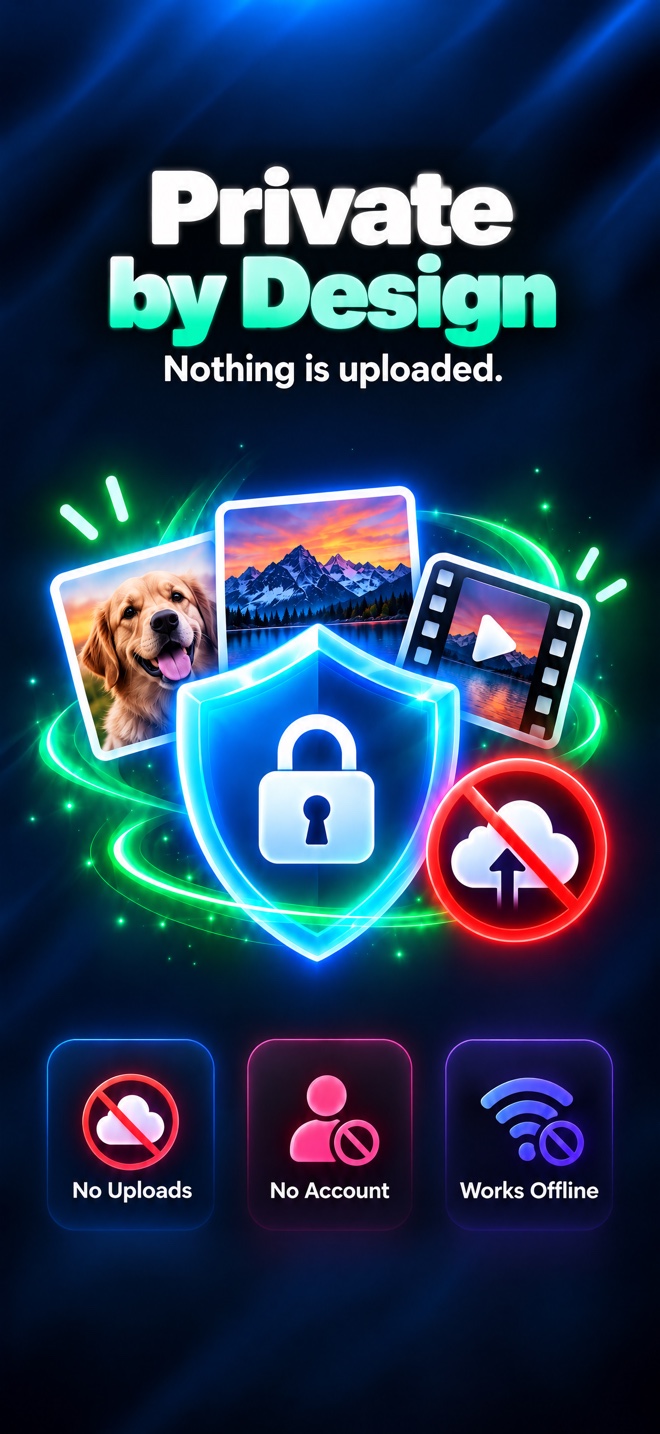
Compression runs on your phone’s own encoder. Your files are never uploaded, there is no account, no ads and no watermark. It works with no connection at all.
Free up gigabytes
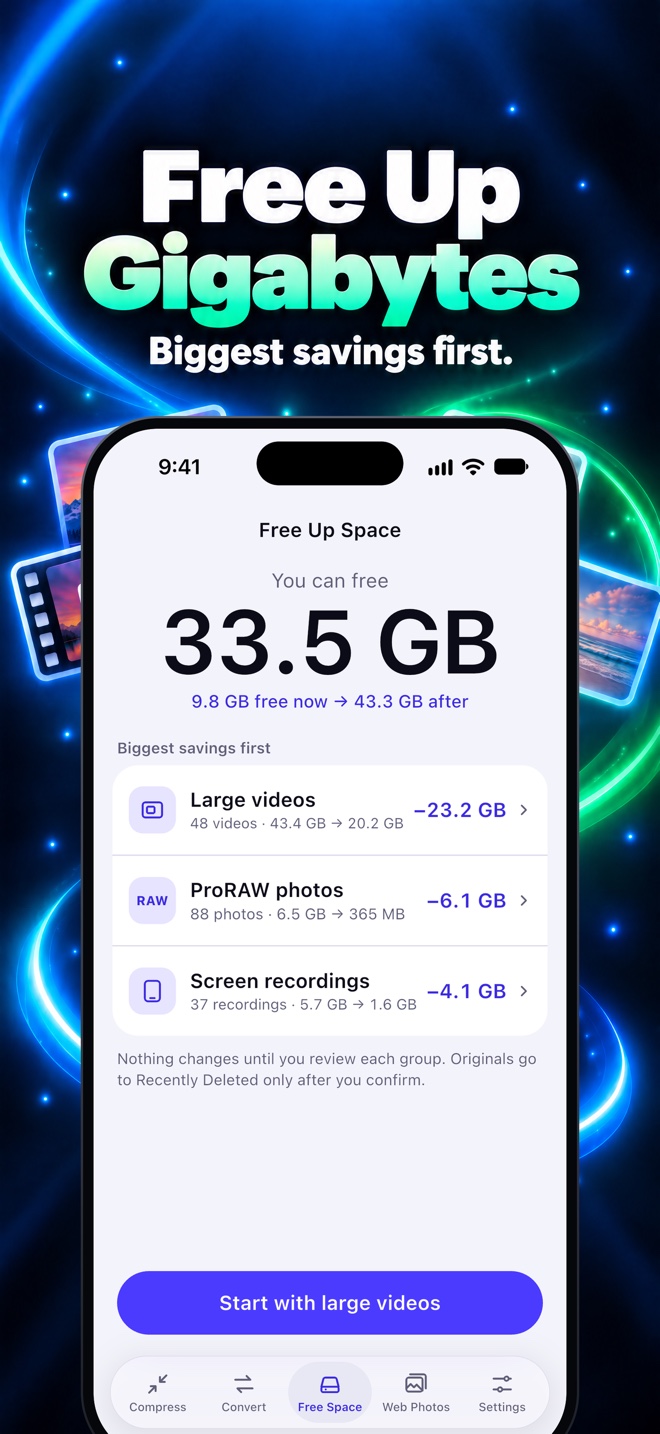
Scan for the biggest wins: large videos, ProRAW photos and screen recordings. See how many GB you can free, biggest savings first. Originals are removed only after the system confirmation.
Convert in one tap
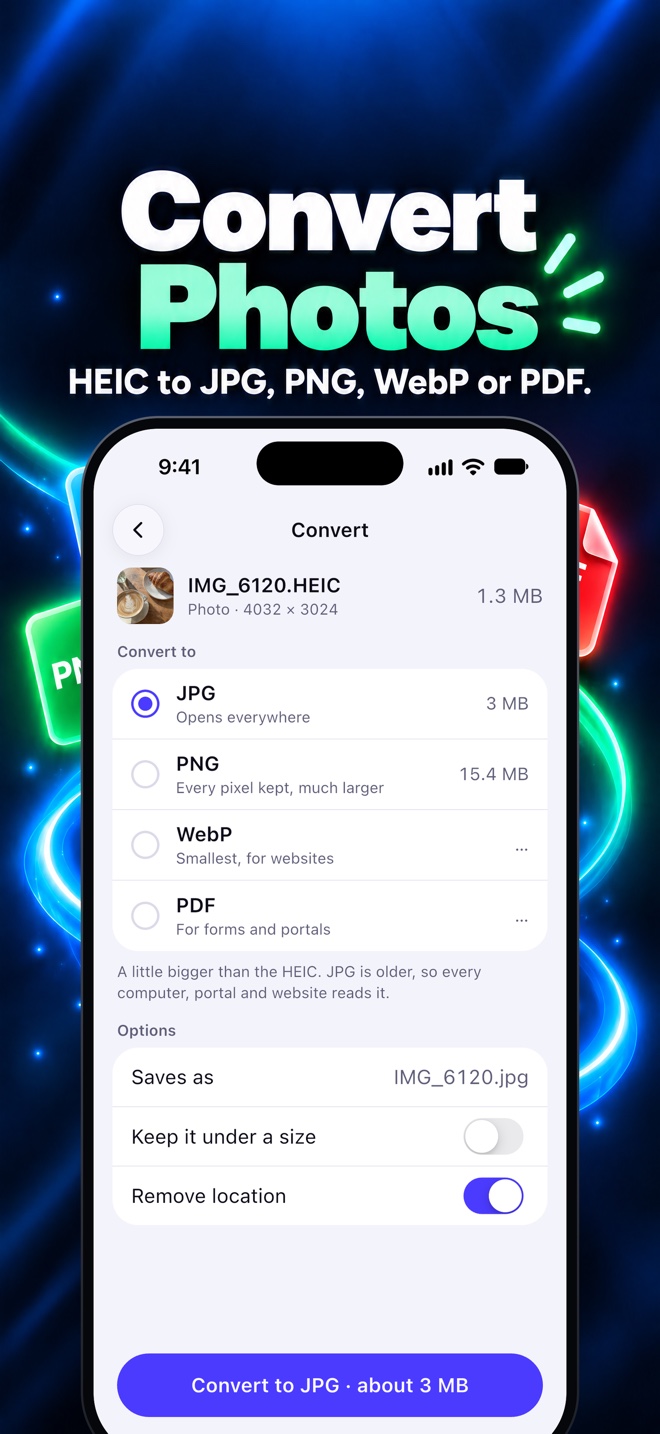
HEIC to JPG, PNG or WebP. MOV to MP4. Video to MP3, M4A or GIF. Photos to PDF. Up to 50 photos in one batch, with the quality choice explained in plain words.
Built for batches
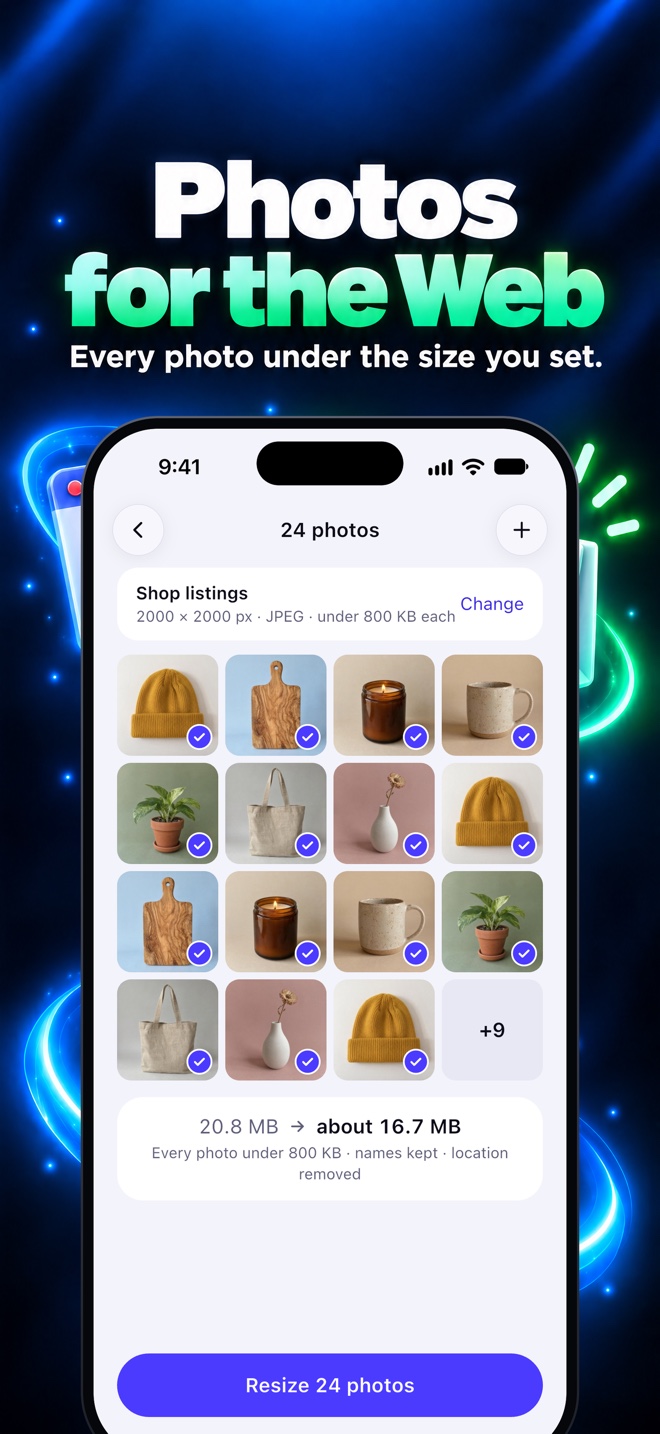
Photos for the Web resizes a whole set under one limit, keeps the names, removes location and saves to a folder. Several files can go in one email, or split across two when they do not fit.
Also in the share sheet. Share a video or photo to Compressor from Photos, Files, Mail or any app, and send the smaller copy straight back.
A closer look
Built for the moment a file won’t send.
Swipe for more →
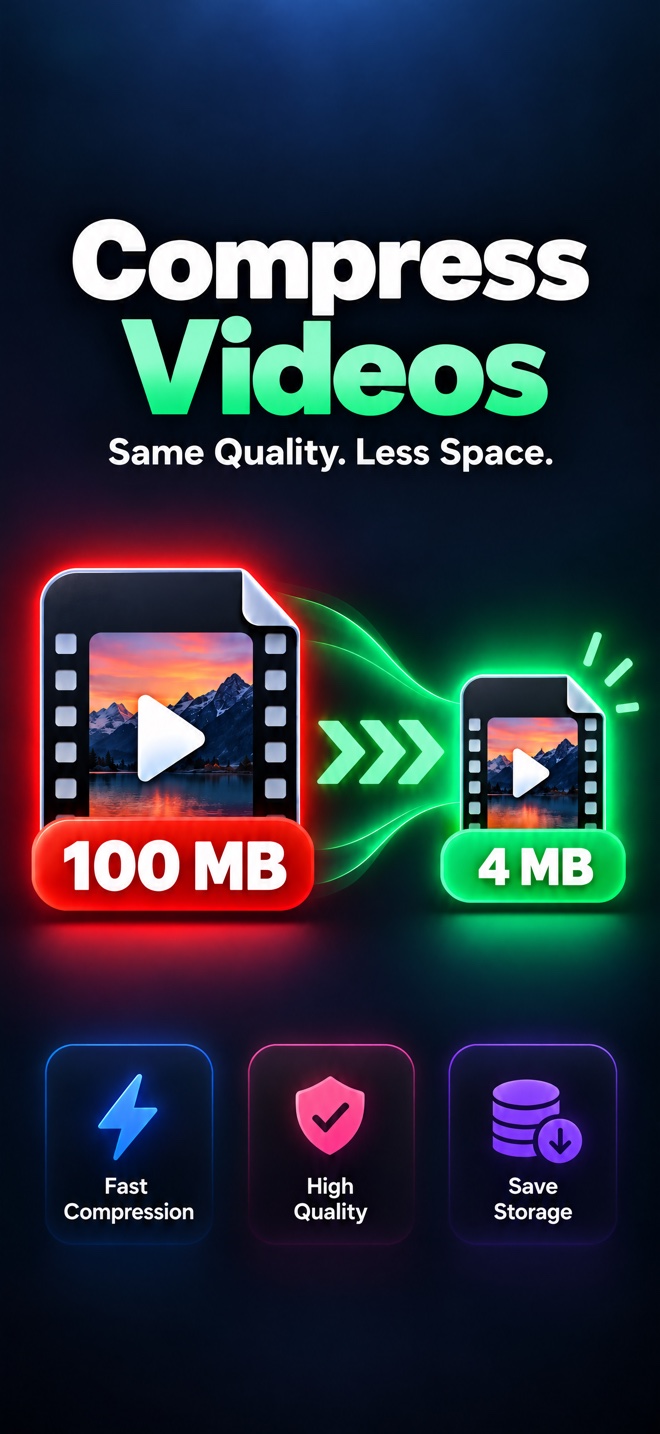
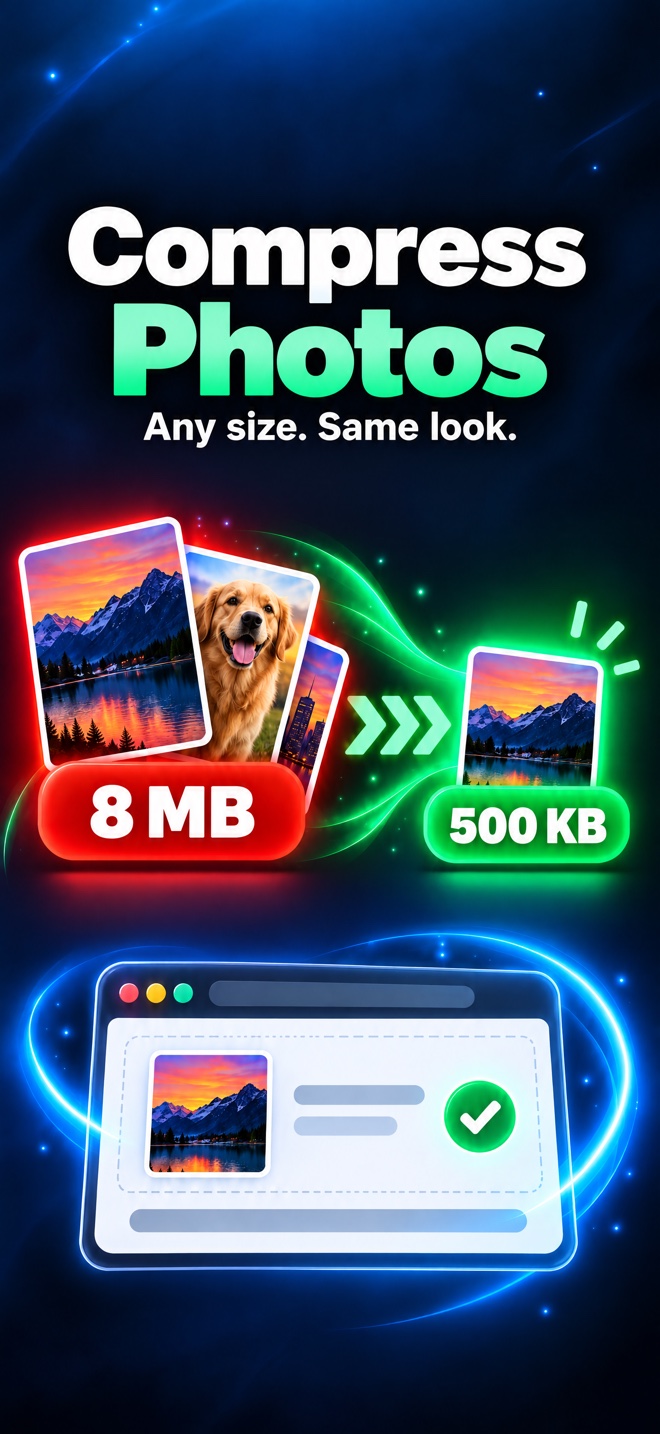
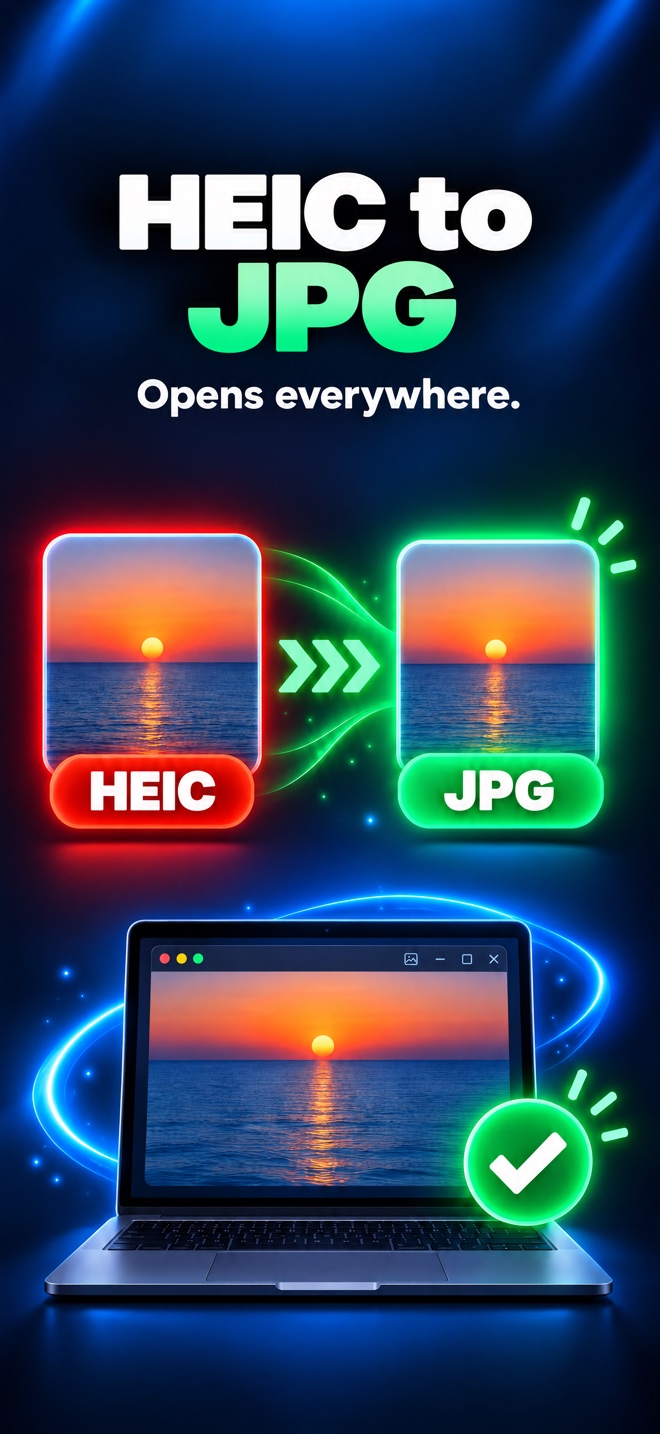
Screenshots from the iPhone app. The Android app uses the same exact-MB engine and wording for your phone.
How it works
Three steps to a file that fits.
Choose a file
Pick a video or photo with the system picker. Sending one file does not need access to your whole library.
Pick the destination
Email, Discord, social, or any size in KB, MB or GB. The limit, codec and resolution follow from there.
Compress and share
Check the estimate, start, and get the exact size. Share it, save it to Photos or Files, or copy it.
Your original stays exactly where it was. Compressor writes a new file and keeps the name, with a lowercase extension.
Private by design
Your files never leave your phone.
There is no upload step, because there is no server in the middle. A private clip stays private, and a 4 GB video does not wait on your connection.
Usage and crash analytics help us fix the app. They never include your files. Read the privacy policy.
0
uploads
0
accounts
0
ads
100%
on-device
Free where it matters
Compress for free. Try every extra once.
No ads and no watermark. No paywall before you have seen a result.
Free
No size limitEverything you need to get one file through today.
- Compress videos and photos — no size limit
- Trim and split long videos
- Custom sizes in KB, MB or GB
- Several files at once
- HEIC → JPG and video → audio
- Compress from the share sheet
- Same file name, lowercase extension
The extras
Free to try onceEach extra is free once. After that, unlock all of them with a one-time purchase or a yearly or monthly plan.
Prices and the current plan options are shown in the app, from the store in your country.
Questions
Questions, answered.
Does Compressor have a file size limit?+
No. Compressing videos and photos is free, with no size limit. There is no watermark and no paywall before you see a successful result.
Where are my files processed?+
On your device. Videos and photos are encoded with the phone’s own hardware, so your files are never uploaded and no account is needed. The app works offline.
Will the quality drop?+
You choose the destination or exact MB size, and Compressor shows the estimated size before it starts. Hitting a very small limit can mean a lower resolution; the app tells you what it plans to do instead of hiding it behind a quality percentage.
Which formats can I convert?+
Photos: HEIC, JPG, PNG and WebP, plus PDF. Video: MP4 and HEVC, MOV to MP4, video to MP3, M4A or GIF, and smaller MP4 loops. Up to 50 photos can convert in one batch.
Can I compress from another app?+
Yes. Share a video or photo to Compressor from Photos, Files, Mail or any app with a share sheet. The result comes back ready to send.
What happens to my originals?+
Compressing and converting never change them. Free Up Space only removes an original after you confirm the system prompt, and the original waits in Recently Deleted on iOS or Trash on Android.
Is it available on Android?+
Yes. Compressor is one app for iPhone and Android, with the same exact-MB engine. On Android, originals go to Trash and every file is processed on the phone.
Do I need an account or internet?+
No account and no sign-up. The app works offline; an internet connection is only needed for the stores and purchases.
Something else? Get in touch.

Make your next file fit.
Free to download. Free to compress, with no size limit. On iPhone and Android.
On the App Store and Google Play as Video Compressor Image Convert.
Also from Illebra: Pictolo, a cozy nonogram